


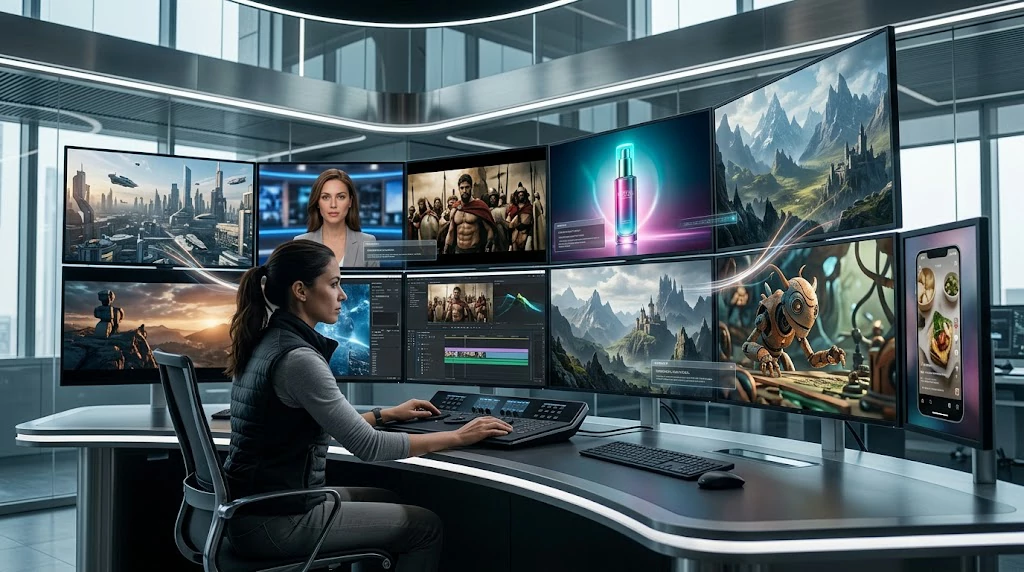
Creating a video used to require a camera, actors, editing software, and hours of production work. In 2026, AI video generators are changing that workflow.
Today, creators can describe a scene in a text prompt and generate a video from it. Some platforms can also add sound, dialogue, camera movement, characters, visual references, and editing controls.
The technology is moving quickly, too. Google’s Veo 3.1 supports text-to-video and native audio, while Runway Gen-4.5 offers text-to-video and image-to-video generation. Other platforms focus on cinematic generation, social content, AI avatars, or longer-form storytelling.
So which tools are worth knowing in 2026?
Here are 10 AI video generators that can turn text or scripts into video, each with a different focus.
What Is an AI Video Generator?
An AI video generator is a tool that uses artificial intelligence to create or transform video based on instructions.
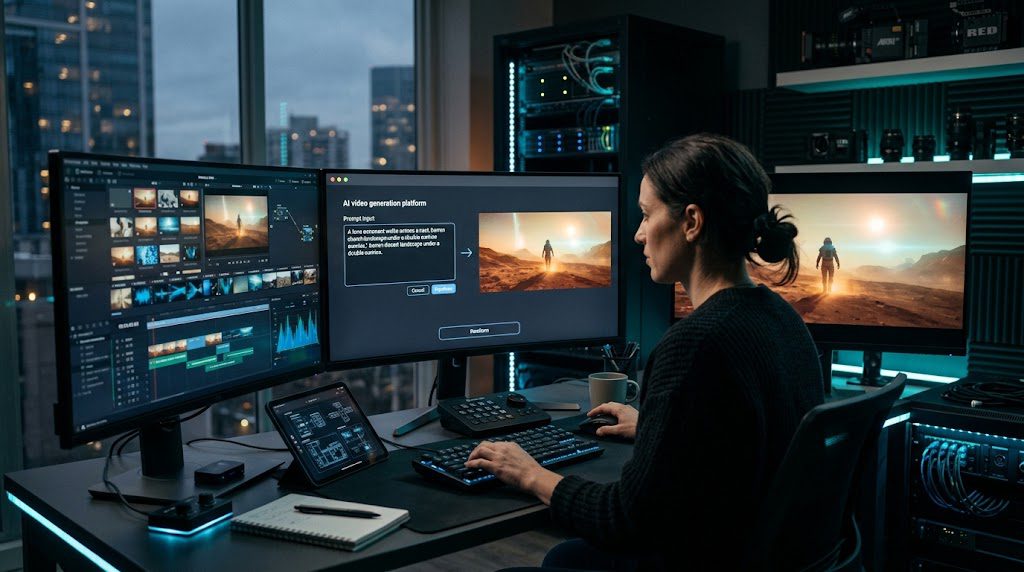
The simplest workflow is:
Text prompt → AI generation → Video clip
For example, instead of filming a futuristic city, you could type:
“A cinematic aerial shot of a futuristic American city at sunset, realistic buildings, moving cars, dramatic clouds, slow camera movement.”
The AI interprets the description and generates a video matching the requested scene.
Modern platforms can go beyond simple text-to-video. Depending on the tool, users can provide images, reference videos, audio, scripts, characters, or detailed camera instructions.
1. Google Veo 3.1
Google’s Veo 3.1 is one of the most advanced text-to-video models available in 2026.
The model can generate video from text prompts and supports native audio generation, including sound effects, ambient sounds and dialogue. Google also highlights improved realism, physics, prompt adherence and creative controls.
Veo 3.1 can also work with reference images and offers different creative controls through Google’s Flow ecosystem.
What makes Veo 3.1 interesting?
- Text-to-video generation
- Native audio
- Dialogue and sound effects
- Image-to-video capabilities
- Reference-image control
- 1080p and 4K output options
- Cinematic storytelling workflows
This makes Veo particularly interesting for creators who want more than a silent AI-generated clip.
Best suited for: cinematic videos, storytelling, visual experiments and advanced AI filmmaking.
2. Runway Gen-4.5
Runway remains one of the major names in generative video.
Its Gen-4.5 model supports both text-to-video and image-to-video generation. Runway says the model is designed to understand complex instructions involving camera choreography, scene composition, timing and atmospheric changes.
One advantage of Runway is that it sits inside a broader creative workflow rather than functioning only as a prompt-to-video generator.
Creators can generate clips and then continue working with them inside the platform.
Runway is useful for:
- Cinematic shots
- B-roll
- Creative experiments
- Image-to-video
- Camera movement
- Professional video workflows
- Short-form content
Adobe Firefly also supports Runway Gen-4.5 as a partner video model, allowing users to generate clips from text prompts inside Firefly’s video editor.
Best suited for: filmmakers, editors and creators who want more control over generated footage.
3. Kling AI
Kling has become another major competitor in AI video generation.
The platform is particularly relevant for creators interested in realistic motion, cinematic scenes and more complex video generation.
Kling 3.0 is also available as a partner model inside Adobe Firefly, showing how the model has become part of larger AI creative workflows.
Why creators use Kling
Kling can be useful for:
- Text-to-video
- Image-to-video
- Cinematic scenes
- Character motion
- Short-form content
- Creative advertising
- Visual storytelling
Its main appeal is giving creators another option for generating realistic AI footage without traditional filming.
Best suited for: cinematic clips, social videos and creators experimenting with realistic AI motion.
4. Luma AI Ray3.2
Luma has developed its video generation technology around creative control and production workflows.
Its current Ray3.2 model focuses on video generation, reference control and frame-level creative direction. Luma describes Ray3.2 as a system designed to give creators more control over individual frames and continuity across shots.
Luma’s Ray family also supports text-to-video and image-to-video workflows.
What stands out?
Luma emphasizes:
- Text-to-video
- Image-to-video
- Character consistency
- Keyframes
- Video modification
- HDR workflows
- Creative control
Ray3.14 previously introduced native 1080p generation, faster generation and improved prompt adherence, while Ray3.2 builds further on the platform’s production-oriented workflow.
Best suited for: creators looking for more controlled cinematic generation and professional workflows.
5. Pika 2.5
Pika takes a somewhat different approach.
Instead of focusing exclusively on traditional cinematic filmmaking, Pika is particularly useful for short-form creators, social content and creative visual effects.
Its Pika 2.5 model supports text-to-video and image-to-video generation. The platform also provides tools designed for effects, transitions and visual experimentation.
Pika can be useful for:
- TikTok-style videos
- Instagram Reels
- Short advertisements
- Creative effects
- Image animation
- Quick video concepts
- Social media experiments
Pika’s text-to-video workflow allows creators to describe the shot using a prompt without first providing an image.
Best suited for: social media creators and people who want to experiment quickly with AI video effects.
6. Adobe Firefly Video
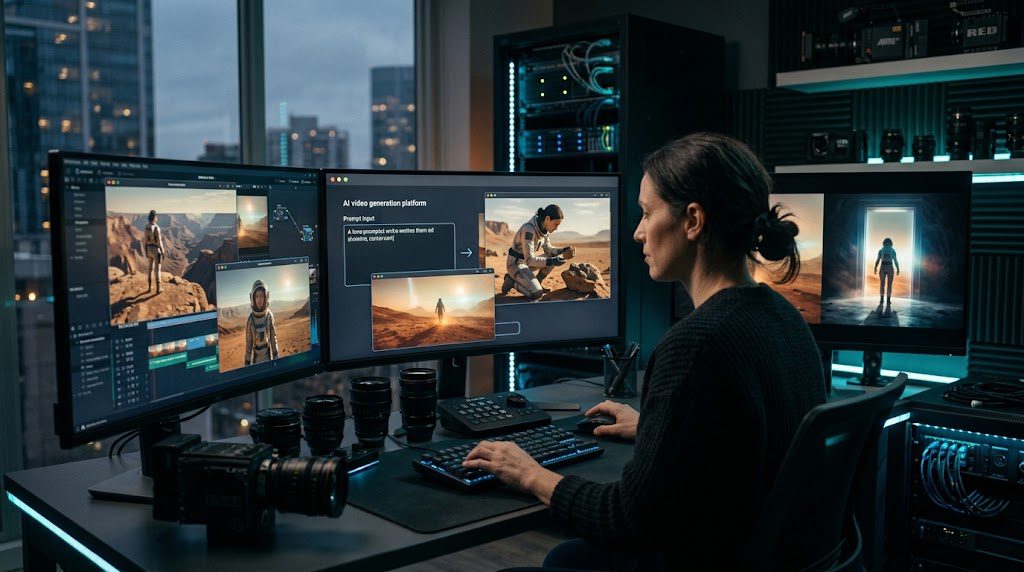
Adobe Firefly is becoming more interesting for creators who want AI generation integrated into a broader editing workflow.
Firefly’s Generate Video feature can create video from text prompts. Adobe also allows users to select different video generation models, including Adobe’s own Firefly Video model and partner models.
That partner-model approach is important because Firefly can act as a creative workspace rather than requiring users to jump between multiple platforms.
Adobe currently lists models including:
- Firefly Video
- Google Veo 3.1
- Runway Gen-4.5
- Kling 3.0
- Luma Ray models
- Other partner models
Best use cases
Adobe Firefly can be useful for:
- Marketing videos
- Product visuals
- B-roll
- Creative advertising
- Video editing workflows
- Social content
- Commercial creative production
Best suited for: Adobe users who want AI generation and editing in one creative environment.
7. HeyGen
Not every AI video generator is designed to create cinematic landscapes or action sequences.
HeyGen focuses heavily on turning text and scripts into presenter-style videos.
Its AI Video Generator can take a script, URL, photo or idea and produce a video using AI avatars, voiceovers, B-roll and captions.
Its text-to-video tool lets users paste a script or prompt, select a presenter and create a finished video without recording themselves.
HeyGen is especially useful for:
- Business videos
- Marketing
- Online courses
- Explainer videos
- Social media
- Product presentations
- Multilingual content
For someone who wants an AI presenter rather than a cinematic movie scene, this type of platform can be much more practical.
Best suited for: business creators, marketers, educators and social-media teams.
8. Synthesia
Synthesia is another platform focused heavily on practical AI video production.
Instead of requiring a camera crew, users can provide text, a script, a document or another supported input and turn it into an AI video with avatars and voiceovers.
Synthesia says its text-to-video workflow can create scenes, voiceover and AI-avatar presentations from a prompt, script, link or document. It supports more than 160 languages.
Common use cases include:
- Employee training
- Tutorials
- Business presentations
- Educational videos
- Product explainers
- Internal communications
- Multilingual content
The biggest difference between Synthesia and cinematic generators such as Veo or Runway is the intended workflow.
Synthesia is built more around communicating information through a presenter, while cinematic models focus on generating visual scenes.
Best suited for: companies, educators and professional training content.
9. Seedance 2.5
ByteDance’s Seedance 2.5 is one of the newer AI video models to watch in 2026.
The model is designed around longer storytelling and multimodal control. According to ByteDance Seed, Seedance 2.5 can generate videos up to 30 seconds in a single generation and supports extensions for longer stories.
It also supports reference-based creation and editing.
The model can work with multiple types of references and is designed to provide more control over camera movement, scenes and storytelling.
Seedance 2.5 can be useful for:
- Story-driven videos
- Cinematic scenes
- Advertising
- Social content
- Multi-shot sequences
- Character consistency
- Video editing
- Longer AI-generated clips
Its 30-second generation capability is particularly interesting because many AI video systems historically focused on much shorter clips.
Best suited for: creators who want longer AI-generated sequences and more detailed control over references and editing.
10. Hailuo AI / MiniMax Video
Hailuo AI is another name appearing in the rapidly expanding AI video market.
MiniMax has continued developing multimodal video generation, with its H3 model supporting text, images, video and audio. MiniMax says H3 can generate video with native stereo sound and outputs of up to 15 seconds at 2K resolution.
This makes the platform interesting for creators who want to experiment with both visual and audio generation.
Potential use cases include:
- Social videos
- Advertising concepts
- Product demonstrations
- Creative storytelling
- Image-to-video
- AI-generated scenes
Best suited for: creators looking for another flexible AI video generation option with multimodal capabilities.
How to Choose an AI Video Generator in 2026
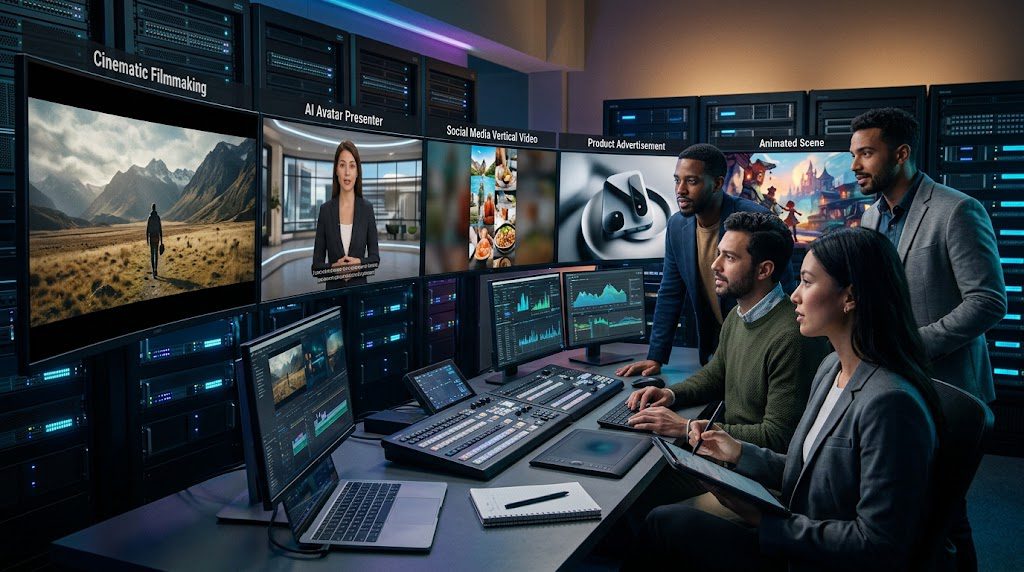
There is no single workflow that works for every creator.
The best platform depends on what you actually want to make.
For cinematic videos
Look at platforms such as:
- Google Veo 3.1
- Runway Gen-4.5
- Kling
- Luma
- Seedance
These tools are designed around generating visual scenes rather than simply putting an avatar in front of a background.
For social media videos
Pika can be useful for fast creative experiments, while HeyGen can be useful when you want a presenter, captions and a finished social-media format.
For business and training
HeyGen and Synthesia are designed specifically around presenter-based communication.
They can save companies from filming the same training or explainer material repeatedly.
For professional creative workflows
Runway, Luma and Adobe Firefly offer broader creative workflows.
Firefly is particularly interesting because Adobe allows users to access multiple video-generation models from its creative environment.
AI Video Generators Are Moving Beyond Simple Text Prompts
One of the biggest changes in AI video during 2026 is that text prompts are no longer the whole story.
Modern systems increasingly support combinations of:
Text + Image + Video + Audio + References + Editing
For example, Seedance 2.5 supports multimodal reference inputs and editing, while Veo 3.1 supports reference images and native audio generation.
This means creators can increasingly direct an AI system instead of simply asking it to “make a video.”
You might provide:
- A character image
- A location image
- A product image
- A storyboard
- A written script
- A camera instruction
- A music or sound reference
The AI can then use these inputs to create a more controlled result.
What About OpenAI Sora?
Sora was one of the most recognizable names in AI video generation, but it should not be treated as a current standalone recommendation for a 2026 tools list.
OpenAI says the Sora product was no longer available as of April 26, 2026.
That is why this list focuses on tools and models that are currently part of the active AI video landscape.
The market has changed quickly, so creators should always check a provider’s current availability, pricing and usage terms before building a production workflow around any specific model.
How to Write Better Prompts for AI Video
The quality of your prompt can have a major effect on the generated result.
Instead of writing:
“A man walking in New York.”
Try something more specific:
“Cinematic medium tracking shot of a fictional 30-year-old man walking through Manhattan at golden hour, realistic street traffic, natural pedestrians, shallow depth of field, subtle handheld camera movement, 35mm lens, realistic lighting, detailed urban environment.”
A useful AI video prompt can include:
1. Subject
Who or what appears in the scene?
2. Action
What is happening?
3. Location
Where does the scene take place?
4. Camera
Is the camera static, handheld, tracking, aerial or moving around the subject?
5. Lighting
Daylight, sunset, studio lighting, neon or dramatic shadows?
6. Visual style
Documentary, cinematic, commercial, realistic or animated?
7. Motion
How should the people, objects and camera move?
The more clearly you describe the scene, the easier it is for the model to understand your creative intent.
Can AI Video Generators Replace Traditional Filming?
Not completely.
AI video generation can dramatically reduce the amount of time needed to create certain types of footage, but it still has limitations.
Common problems can include:
- Inconsistent characters
- Strange hands or objects
- Incorrect physics
- Unwanted background details
- Inconsistent text
- Audio problems
- Camera movement that does not match the prompt
- Continuity problems between shots
Even advanced systems acknowledge that some aspects of realistic motion and speech remain areas of active development. Google, for example, notes ongoing challenges around natural spoken audio and synchronization.
For professional projects, human review is still important.
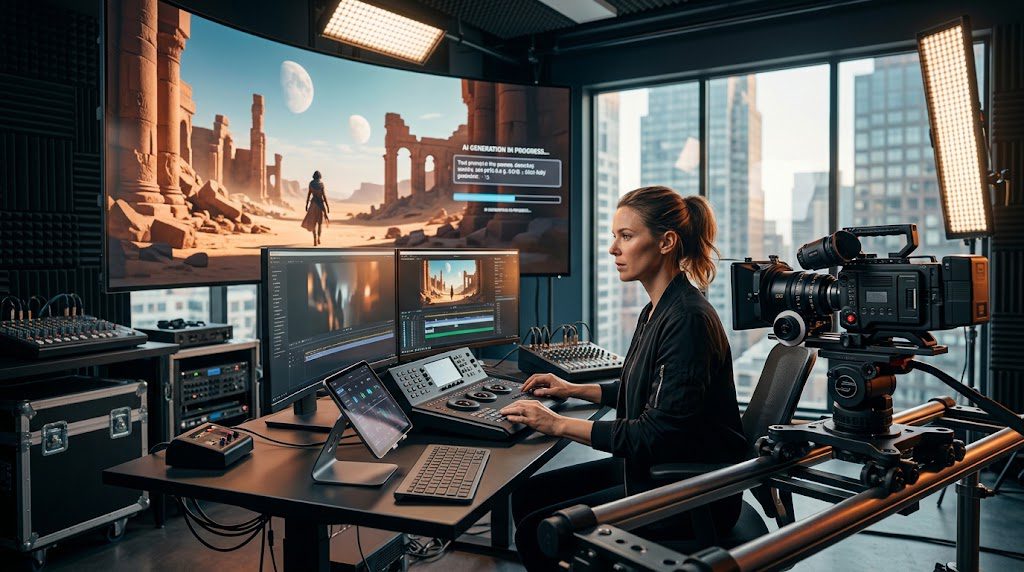
The Future of AI Video
AI video generation is moving from simple visual experiments toward complete creative workflows.
The biggest developments are happening around:
- Longer generated videos
- Better character consistency
- Native audio
- Better physics
- More precise camera control
- Multimodal references
- AI-assisted editing
- Professional production workflows
- Social-media automation
Google’s Veo 3.1, Runway Gen-4.5, Luma Ray3.2 and Seedance 2.5 all show different approaches to this broader direction.
Instead of simply generating a five-second clip, the goal is increasingly to give creators a complete digital production environment.
Frequently Asked Questions
What is the best AI video generator in 2026?
There is no single tool that is best for every project. Different platforms focus on different workflows, including cinematic generation, AI avatars, social media, editing and longer storytelling.
Can AI generate a video from text?
Yes. Several current platforms support text-to-video generation, including Google Veo 3.1, Runway Gen-4.5, Pika 2.5, Luma’s Ray models and Seedance.
Can AI video generators create sound?
Some can. Google Veo 3.1, for example, can generate audio including dialogue, ambient sound and sound effects natively.
Can I create videos without filming myself?
Yes. Platforms such as HeyGen and Synthesia can turn scripts or text into presenter-based videos using AI avatars and generated voices.
Are AI-generated videos ready for professional use?
They can be useful in professional workflows, but results should be reviewed carefully. Consistency, physics, audio and other details can still require human editing and quality control.
Is Sora still available?
OpenAI says its Sora product was no longer available as of April 26, 2026, so it is not included as one of the active recommendations in this list.
Final Thoughts
AI video generators have changed significantly in 2026.
Creators can now move from a written idea to a generated video scene in minutes, while newer systems are adding audio, reference images, character consistency, editing controls and longer storytelling.
For cinematic work, platforms such as Veo, Runway, Kling, Luma and Seedance are worth exploring. For presenter-led content, HeyGen and Synthesia offer a different workflow. Pika focuses heavily on fast creative generation, while Adobe Firefly brings multiple generation models into a broader editing environment.
The important thing is not simply choosing the most famous AI model.
It is choosing the workflow that matches the video you actually want to create.
Related QayQay Articles
If you’re exploring AI tools and creative workflows, you may also want to read:
What Is AI? Discover How Artificial Intelligence Works Today
25 AI Tools You Should Know in 2026: The Ultimate Guide
AI Agents Are Here: What They Can Actually Do
Sources & Official Resources
- Google DeepMind — Veo
- Runway — Gen-4.5
- Adobe Firefly
- Luma AI
- Pika
- HeyGen
- Synthesia
- ByteDance Seed — Seedance 2.5
- OpenAI — Sora information